Connected business operations
Private beta · Early accessAll In One integrated platform for your business!
TradeWMS is warehouse and inventory management platform for managing trading and distribution businesses that have outgrown spreadsheets and disconnected systems.
A private workspace for your company and clear access for your team, with eCommerce connections planned around your business.
Private beta. Onboarding is by invitation, and we'll talk through fit before any workspace is set up.
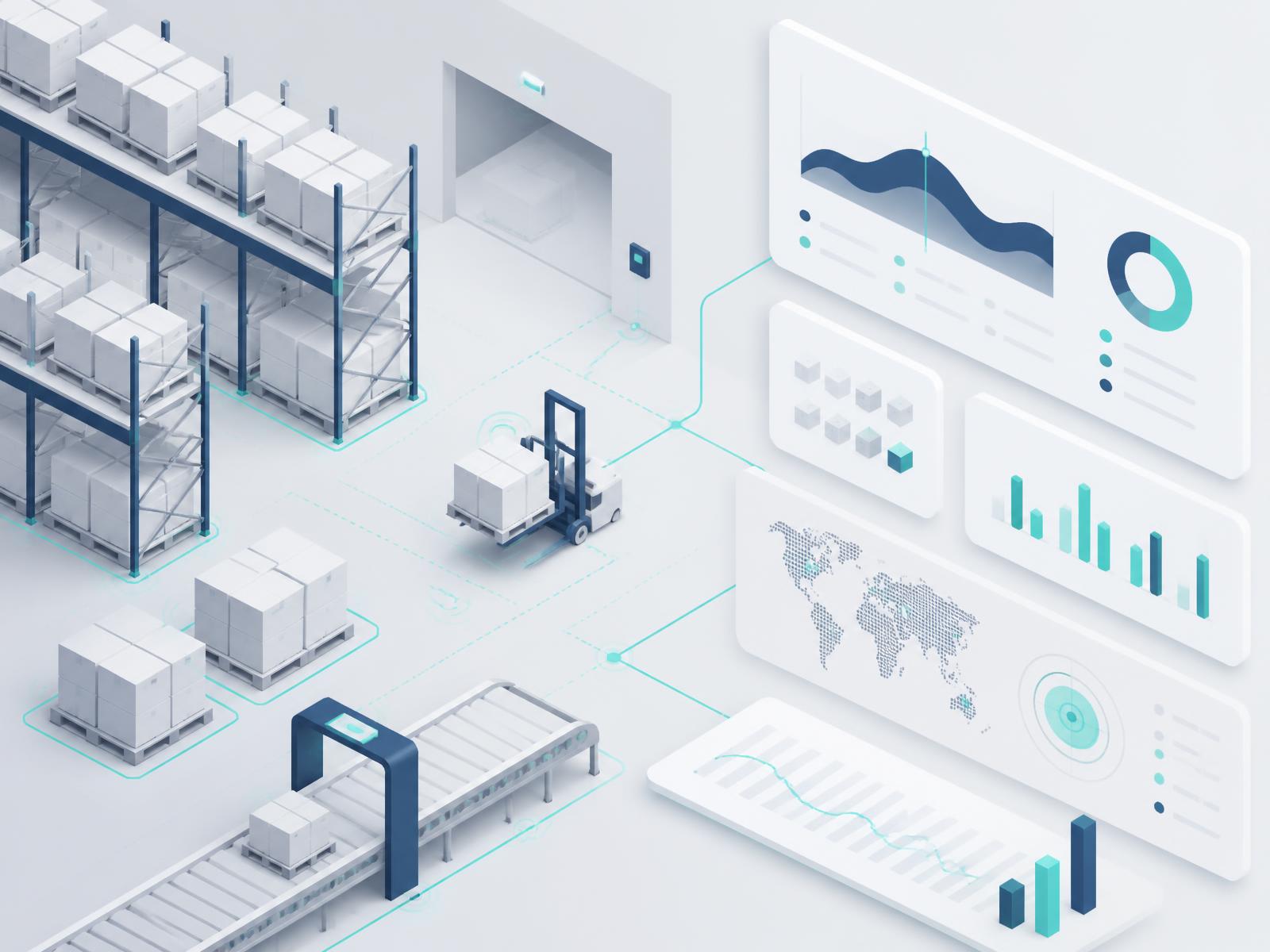
Platform coverage
From purchase to delivery—and every return.
Each part of the work connects to the next, so stock, orders and shipments stay in step. Areas marked “In beta” are being introduced with early customers.
Purchasing
Organize supplier orders and incoming stock, from expected delivery to receipt and put-away.
Sales
Keep customer orders and fulfillment connected, through pick, pack and verification.
Inventory
See what is available, where it belongs and how it moves, with counts and adjustments recorded.
Shipping
Prepare shipments and keep outbound records connected to the orders they fulfill.
Returns
Manage customer returns from receipt through the next operational step.
Reporting
Understand activity across your operation and make informed operational decisions.
eCommerce Integration-ready
Connect online sales channels and carriers as your business needs them. These connections are integration-ready and set up individually during onboarding; none are active today.
MULTICHANNEL OPERATIONS
Many sources. Many sales channels. One connected operation.
An intended model for purchasing and receiving, inventory, sales fulfillment, shipping and returns in your company’s own workspace.
Where your stock comes from
Manufacturers & brands
Wholesalers & distributors
Importers & trading partners
Customer returns
Receiving & inspection · In beta
Purchase orders & incoming stock
Your company’s TradeWMS workspace
Purchasing & receiving
In betaInventory & locations
Sales orders & fulfillment
Shipping & reporting
Returns loop · In betaBack to receiving & inspection; disposition determines the next inventory step, not immediate restocking.
Sales orders in · fulfillment updates out
Where you sell

Amazon
Marketplace
'%3e%3cpath%20class='st1'%20d='M%20168.167%20396.322%20C%20176.065%20396.322%20182.548%20392.198%20183.418%20386.883%20L%20191.218%20298.652%20C%20191.218%20289.933%20181.033%20282.78%20168.167%20282.78%20C%20155.324%20282.78%20145.14%20289.933%20145.14%20298.652%20L%20152.939%20386.883%20C%20153.784%20392.198%20160.292%20396.322%20168.167%20396.322'/%3e%3cpath%20class='st1'%20d='M%20120.474%20423.87%20C%20124.424%20417.063%20124.125%20409.338%20119.952%20405.935%20L%2047.445%20355.088%20C%2039.918%20350.717%2028.592%20355.982%2022.183%20367.086%20C%2015.775%20378.214%2016.892%20390.61%2024.419%20394.956%20L%20104.675%20432.315%20C%20109.718%20434.177%20116.525%20430.626%20120.498%20423.771'/%3e%3cpath%20class='st1'%20d='M%20215.858%20423.795%20C%20219.807%20430.651%20226.639%20434.203%20231.631%20432.34%20L%20311.938%20394.981%20C%20319.489%20390.61%20320.607%20378.214%20314.173%20367.11%20C%20307.765%20355.982%20296.414%20350.741%20288.911%20355.113%20L%20216.405%20405.96%20C%20212.256%20409.363%20211.958%20417.088%20215.883%20423.894'/%3e%3cpath%20class='st1'%20d='M%20168.167%20506.511%20C%20176.065%20506.511%20182.548%20510.585%20183.418%20515.875%20L%20191.218%20604.081%20C%20191.218%20612.824%20181.033%20619.979%20168.167%20619.979%20C%20155.324%20619.979%20145.14%20612.824%20145.14%20604.081%20L%20152.939%20515.875%20C%20153.784%20510.585%20160.292%20506.511%20168.167%20506.511'/%3e%3cpath%20class='st1'%20d='M%20215.858%20478.964%20C%20219.807%20472.108%20226.639%20468.556%20231.631%20470.419%20L%20311.938%20507.753%20C%20319.489%20512.149%20320.607%20524.545%20314.173%20535.673%20C%20307.765%20546.776%20296.414%20552.042%20288.911%20547.671%20L%20216.405%20496.874%20C%20212.256%20493.445%20211.958%20485.745%20215.883%20478.915'/%3e%3cpath%20class='st1'%20d='M%20120.474%20478.915%20C%20124.424%20485.77%20124.125%20493.445%20119.952%20496.874%20L%2047.445%20547.695%20C%2039.918%20552.042%2028.592%20546.776%2022.183%20535.698%20C%2015.775%20524.57%2016.892%20512.149%2024.419%20507.753%20L%20104.675%20470.443%20C%20109.718%20468.531%20116.525%20472.108%20120.498%20478.939'/%3e%3c/g%3e%3c/svg%3e)
Walmart Marketplace
Marketplace
'%20xml:space='preserve'%20xmlns:inkscape='http://www.inkscape.org/namespaces/inkscape'%20xmlns:sodipodi='http://sodipodi.sourceforge.net/DTD/sodipodi-0.dtd'%20xmlns='http://www.w3.org/2000/svg'%20xmlns:svg='http://www.w3.org/2000/svg'%3e%3csodipodi:namedview%20id='namedview4'%20pagecolor='%23ffffff'%20bordercolor='%23000000'%20borderopacity='0.25'%20inkscape:showpageshadow='2'%20inkscape:pageopacity='0.0'%20inkscape:pagecheckerboard='0'%20inkscape:deskcolor='%23d1d1d1'%20inkscape:zoom='0.5'%20inkscape:cx='546'%20inkscape:cy='199'%20inkscape:window-width='1366'%20inkscape:window-height='705'%20inkscape:window-x='-8'%20inkscape:window-y='-8'%20inkscape:window-maximized='1'%20inkscape:current-layer='eBay_logo'%20/%3e%3cdefs%20id='defs1'%3e%3cstyle%20id='style1'%3e%20.cls-1%20{%20fill:%20%230968f6;%20}%20.cls-1,%20.cls-2,%20.cls-3,%20.cls-4%20{%20stroke-width:%200px;%20}%20.cls-2%20{%20fill:%20%2392c821;%20}%20.cls-3%20{%20fill:%20%23f02d2d;%20}%20.cls-4%20{%20fill:%20%23ffbd14;%20}%20%3c/style%3e%3c/defs%3e%3cg%20id='g4'%3e%3cpath%20class='cls-4'%20d='m%20633.07803,212.53323%20c%20-45.43873,1.48929%20-73.6715,9.689%20-73.6715,39.61897%200,19.37591%2015.44713,40.38162%2054.66334,40.38162%2052.57698,0%2080.64259,-28.65902%2080.64259,-75.66331%20l%200.003,-5.16994%20c%20-18.43302,0%20-41.16414,0.16089%20-61.63704,0.83266%20z%20m%20111.75103,62.10248%20c%200,14.58313%200.42155,28.9782%201.69406,41.94092%20h%20-46.61408%20c%20-1.24325,-10.67368%20-1.6972,-21.27945%20-1.6972,-31.56656%20-25.20195,30.97941%20-55.17735,39.88537%20-96.76149,39.88537%20-61.67674,0%20-94.70072,-32.59982%20-94.70072,-70.30689%200,-54.61215%2044.91583,-73.86739%20122.89013,-75.65391%2021.32332,-0.48686%2045.27419,-0.55894%2065.07531,-0.55894%20l%20-0.003,-5.33606%20c%200,-36.56098%20-23.44364,-51.59335%20-64.06765,-51.59335%20-30.15876,0%20-52.38579,12.48057%20-54.6764,34.0468%20h%20-52.65168%20c%205.57217,-53.77165%2062.06643,-67.37115%20111.74005,-67.37115%2059.50837,0%20109.77228,21.17288%20109.77228,84.11481%20z'%20id='path1'%20style='fill:%23ffbc13;fill-opacity:1'%20/%3e%3cpath%20class='cls-3'%20d='m%20199.63633,185.86602%20c%20-1.94427,-46.87735%20-35.77951,-64.41973%20-71.94139,-64.41973%20-38.99421,0%20-70.12667,19.7327%20-75.58026,64.41973%20z%20M%2051.034408,219.1909%20c%202.704332,45.48365%2034.069782,72.38437%2077.197532,72.38437%2029.88033,0%2056.45979,-12.17498%2065.35948,-38.66041%20h%2051.68424%20c%20-10.05205,53.73979%20-67.15384,71.98058%20-116.303,71.98058%20C%2039.606424,324.89544%200,275.67889%200,209.30653%200,136.24203%2040.965642,88.12194%20129.78809,88.12194%20c%2070.69867,0%20122.49992,36.99926%20122.49992,117.75572%20v%2013.31324%20z'%20id='path2'%20style='fill:%23f12c2d;fill-opacity:1'%20/%3e%3cpath%20class='cls-1'%20d='m%20380.83181,290.6235%20c%2046.57228,0%2078.44078,-33.52181%2078.44078,-84.10854%200,-50.58203%20-31.8685,-84.10854%20-78.44078,-84.10854%20-46.31058,0%20-78.44392,33.52651%20-78.44392,84.10854%200,50.58673%2032.13334,84.10854%2078.44392,84.10854%20z%20M%20252.2854,0%20h%2050.10249%20l%20-0.005,125.87707%20c%2024.55682,-29.25975%2058.38892,-37.75513%2091.68976,-37.75513%2055.83503,0%20117.85132,37.6773%20117.85132,119.02875%200,68.12232%20-49.32155,117.74475%20-118.78114,117.74475%20-36.35726,0%20-70.58062,-13.04265%20-91.68663,-38.88294%200,10.32107%20-0.57618,20.72364%20-1.70503,30.56413%20h%20-49.17162%20c%200.85513,-15.90944%201.70555,-35.7184%201.70555,-51.74693%20z'%20id='path3'%20style='fill:%230968f6;fill-opacity:1'%20/%3e%3cpath%20class='cls-2'%20d='M%201000,96.45747%20845.05541,400.75099%20H%20788.94926%20L%20833.49578,316.25589%20716.89033,96.45747%20h%2058.6266%20l%2085.80469,171.73057%2085.56283,-171.73057%20z'%20id='path4'%20style='fill:%2393c822;fill-opacity:1'%20/%3e%3c/g%3e%3c/svg%3e)
eBay
Marketplace

Temu
Marketplace

Shopify
Online store platform
Wholesale & direct sales
Business & customer orders
Intended platform model
Bring stock in. Know what’s available. Fulfill orders across your sales channels.
Your workspace
One platform. A workspace of your own.
Think of TradeWMS as a business center: each company has its own private space, while benefiting from the same platform foundation. Your team works with your company's orders, inventory and reports, with access based on each person's responsibilities.
- Your company's records, kept separate
- Access matched to team responsibilities
- Connected operational workflows
- A consistent platform that can grow with your needs
TradeWMS is software for running your own operation. It is not a public marketplace, online mall, storefront builder or trading network, and companies do not share data with one another.
Northwind Supply
Private workspace
Harbor Wholesale
Private workspace
Second Life Goods
Private workspace
Privacy and access
Your business information stays your business.
Your company's records are kept apart from every other company on the platform. Inside your workspace, people see and change only what their role allows, and key activity is recorded so you can see who did what, and when.
How we protect your information- Each company's records are stored separately
- Access set by role, checked behind the scenes as well as on screen
- A history of receiving, inventory and shipping activity
- This public website holds no customer operating data
Who it's for
Built for businesses that move products
TradeWMS is designed for companies where stock, orders and shipments are the daily work.
Distributors
Coordinate supplier inbound, stock levels and customer orders in one place.
Wholesalers
Keep larger, repeat orders moving from available stock to shipped and recorded.
Warehouse operators
Give receiving, inventory and shipping teams a shared, accurate view of the work.
Recommerce & returns businesses
Bring returned goods back into inventory with a clear record of what happened.
FAQ
Common questions
What is TradeWMS?
A cloud platform for running the product side of a business — purchasing, sales orders, inventory, shipping, returns and reporting — in one connected workspace. It is currently in private beta.
What is a workspace?
Your company's private area inside TradeWMS. It holds your own orders, inventory and reports, and your team signs in with access based on their role.
Is it an online marketplace?
No. TradeWMS is business software. It is not a marketplace, online mall, storefront builder or trading network, and companies do not see or share each other's information.
Is eCommerce included?
eCommerce connections are integration-ready and planned with you during onboarding; they are not part of every plan. No online store, marketplace or carrier connection is active today.
How do I get started?
Request early access. During private beta we welcome a limited number of companies by invitation, and we'll be in touch to talk through fit, the modules you need and onboarding.
Early access
Bring your operation together.
An early-access conversation helps us understand your business: whether TradeWMS is a good fit, which modules you need, your integration needs, and what onboarding would involve.